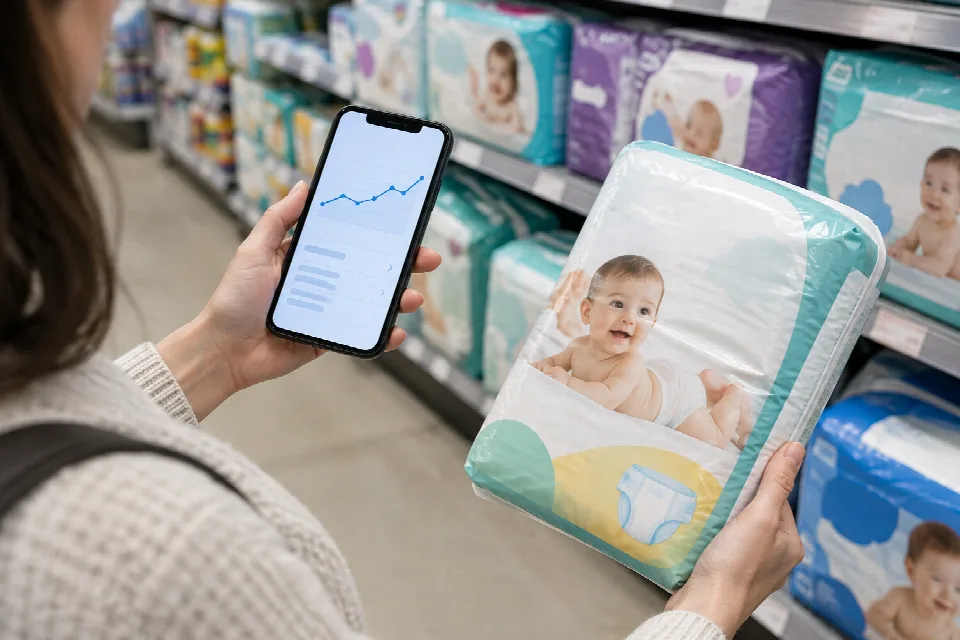
A sale label alone doesn’t tell you whether an item is a good buy. Price tracking gives you another way to look at a purchase: watch the price over time, set an alert and decide what you’re comfortable paying before you reach checkout.
You don’t need to track everything your household buys. Start with purchases you can plan ahead for, then use what you learn to make a calmer decision about whether to buy or wait.
What price tracking can do for your budget
Price trackers can show an item’s past prices and notify you when its price drops. That history gives you context for a promotion: a price marked as a sale isn’t necessarily low compared with what the item has cost before.
Think of an alert as a reminder to take another look, not an instruction to buy. Your target price should fit the amount you’ve set aside and the date you need the item. If you’d like personalized help with your household finances, consider speaking with a qualified financial professional.
Choose a tool and set up tracking
Tools offer different features. Keepa and CamelCamelCamel provide Amazon price histories and drop alerts. Other shopping tools offer retailer comparisons or alerts, while ShopSavvy includes barcode scanning for comparing prices.
Before choosing a tool, check which stores and devices it supports, whether there’s a charge, and how it handles notifications and personal data. Pick features that match the way you shop rather than installing several tools at once.
To get started, try this process:
- Choose an upcoming purchase and find the exact product page.
- Add the item to your chosen tracker, following its setup instructions.
- Set a target price or turn on a drop notification, if the tool offers that option.
- Choose how you want to receive alerts and check that they’re enabled.
- Save the item’s details so you can recognize the same version when comparing offers.
Keep your first tracking list manageable. If alerts become distracting, narrow the list to items you actually intend to buy.
Read price histories and set a target price
Open the price history, if one is available, and look at more than the lowest point on the chart. Compare today’s price with recent prices and note whether the item has returned to a similar level before. A past low gives you context, but it doesn’t guarantee that price will return.
Set a target that reflects both your budget and your deadline. For a planned purchase you can postpone, you might choose a lower target and wait for an alert. For something needed soon, you may prefer a target closer to the current price.
Check what the chart actually covers: the retailer, seller, product version and time period. If those details don’t match the item you want, treat the history as a starting point rather than a direct comparison.
Compare retailers and track family essentials
For family essentials, compare like with like. Check the brand, size, quantity and product details before deciding that one listing costs less. For items such as diapers or wipes, comparing the cost per unit can make different package sizes easier to evaluate.
Divide the package price by the number of units to calculate a unit price. Then check the total you would pay, including any delivery costs. A lower unit price is only useful if the quantity and total cost make sense for your household.
You can also compare store listings or scan a barcode with a tool that supports it. Check weekly grocery ads alongside online prices when planning your shopping list. Keep a short list of the essentials you expect to need, and review it before placing an order.
Decide whether to buy now or wait
When an alert arrives, pause before clicking buy. Ask whether you still need the item, whether the price fits your budget and whether the seller and product details are right. If the answer is yes and the timing works, you may decide to purchase.
If the item isn’t urgent, you can continue tracking it or adjust your target. If you need it by a particular date, decide in advance when you’ll stop waiting and review the available options. There’s no way to know from a chart alone what the next price will be.
Check the final price before purchasing
An alert is a reason to check the listing, not a substitute for checking out carefully. Confirm the item, quantity and availability, then review the order total, including shipping and taxes. If you plan to use a coupon or loyalty offer, confirm that it applies before placing the order.
Finally, review the delivery date and return terms. Once the complete purchase meets your needs and fits your budget, you can make your decision with more context than a sale label alone provides.
Sources
- https://www.price-lix.com/blog/losing-money-not-tracking-prices-online, www.price-lix.com
- https://pricesense.ai/blog/how-to-save-money-with-pricesense, pricesense.ai
- https://360-reader.com/best-amazon-price-tracker-tools/, 360-reader.com
- https://britwealth.com/ca/finance-ca/personal-savings-ca/how-uk-shoppers-are-using-price-tracking-tools-to-save-money/, britwealth.com
- https://thepointsguy.com/travel-gear/shopping-price-trackers/, thepointsguy.com
- https://joingerald.com/learn/money-basics/how-to-review-rising-prices-before-spending, joingerald.com
- https://www.theappnote.com/blog/save-on-baby-supplies-with-price-compare-apps, www.theappnote.com
- https://www.coupert.com/research/how-to-use-price-tracking-tools-to-avoid-overpaying-online, www.coupert.com
- https://www.zinc.com/blog/amazon-price-tracker-auto-buy, www.zinc.com
- https://shopsavvy.com/compare-prices, shopsavvy.com
- https://www.price-scout.app/prices/diapers, www.price-scout.app
- https://keepa.com/, keepa.com
Savings ideas, once a week
One short email with new tips and guides. No spam, and you can unsubscribe any time.